

For recipe and cooking creators
Cook it once. Shino edits the recipe video.
You already did the hard part in the kitchen. Tell Shino how the recipe video should go and it cuts the waiting, adds ingredient cards and step captions, and zooms in when the butter hits the pan.
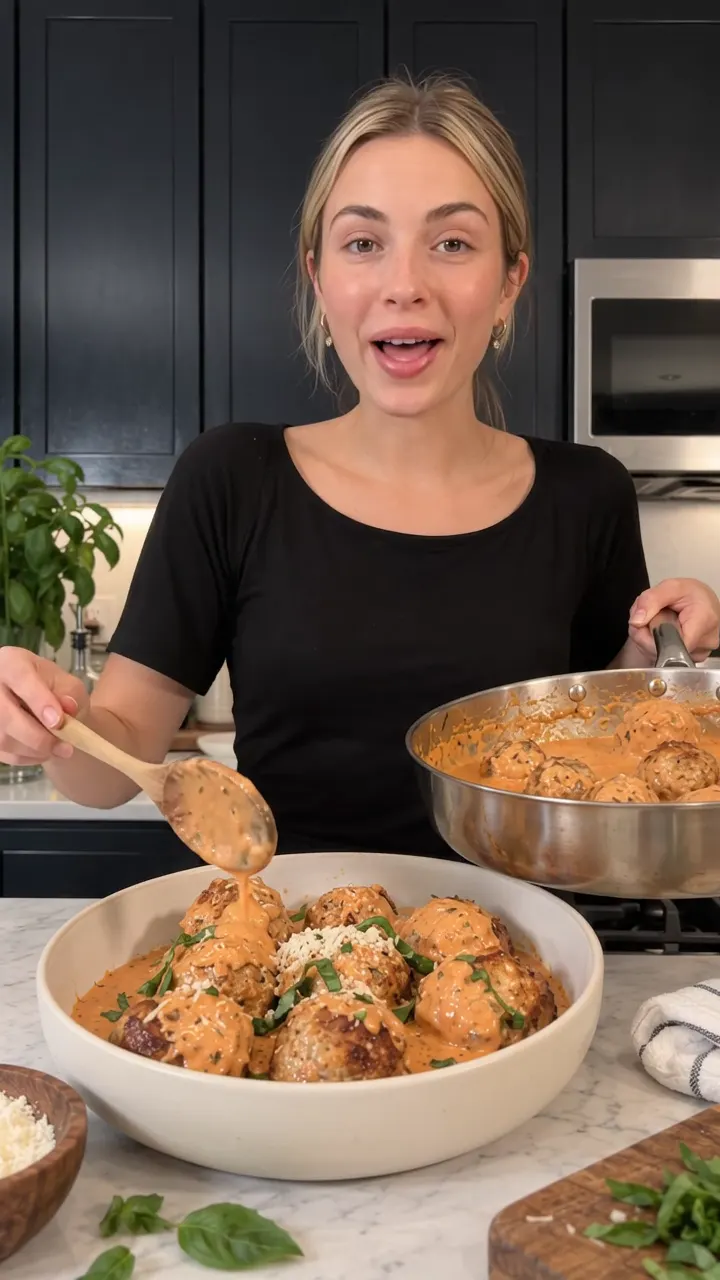 Shino picked: Recipe card
The short answer
Shino is an agent-first, chat-first AI video editor for recipe and cooking creators. You upload your cooking footage, describe the recipe video you want, and Shino edits it into a vertical reel with an ingredient list card, step-by-step captions, punch-in zooms on the sizzle and the final bite, and clean voice audio. There is no timeline to learn, and Shino learns your style so every recipe video looks like your channel.
The problem with editing today
Cooking footage is mostly waiting
Onions take eight minutes to soften. Dough rests for an hour. You end up scrubbing through long, quiet clips to find the four seconds worth keeping.
Viewers want the recipe on screen
People pause to screenshot the ingredients and the oven temperature. Typing out cards and step captions by hand is the slowest part of the edit.
Your kitchen is loud
Range hoods, sizzling oil and the dishwasher all fight your voiceover. A great recipe gets skipped when the audio sounds like a laundromat.
How Shino helps
Ingredient cards that pop in on cue
Say "ingredient list card at the start" and Shino builds it from what you said on camera, with amounts, so viewers can screenshot it.
Step captions and timers
Word-by-word captions for your voiceover, plus short step labels like "Step 3: sear 2 minutes per side" so the recipe still works on mute.
Zoom on the sizzle
Punch-in zooms on the pour, the cheese pull, the crackle of the crust and the first bite. The moments people rewatch get the close-up.
Your look on every recipe
Shino remembers your caption font, colors, pacing and sign-off, so the weeknight pasta and the holiday roast look like the same channel.
Things you can say to Shino
Frequently asked questions
Can Shino make an ingredient list from my video?
Yes. If you say the ingredients on camera or paste them into the chat, Shino places them on an ingredient card at the moment you choose, styled to match your captions.
Does Shino work for overhead hands-only recipe videos?
Yes. Shino edits real footage, whether that is you talking to camera, an overhead shot of your hands, or both. It adds captions to your voiceover and step labels to the shots.
Can I cut a long recipe into a short one?
Yes. Tell Shino the target length, like 30 or 60 seconds, and which steps matter most. It trims the waiting and repeated stirring and keeps the moments that show the technique.
Will Shino invent food shots I did not film?
No. Shino only edits the footage you upload. It never generates fake food, avatars or synthetic people.
Tell Shino about your next video.
Upload a clip, say what you want, and get back a reel that is ready to post. Nothing to learn first.
Get early access